Quick reference guide

Create an agent

By the end you will have a reusable agent, on a numbered version, that any workflow can call from an Agent Interaction node.
About 5 minutes

Before you start

The steps

A reusable prompt saved to the Prompt Library in the Hartwell demo workspace, which is example data, starting from the empty state.
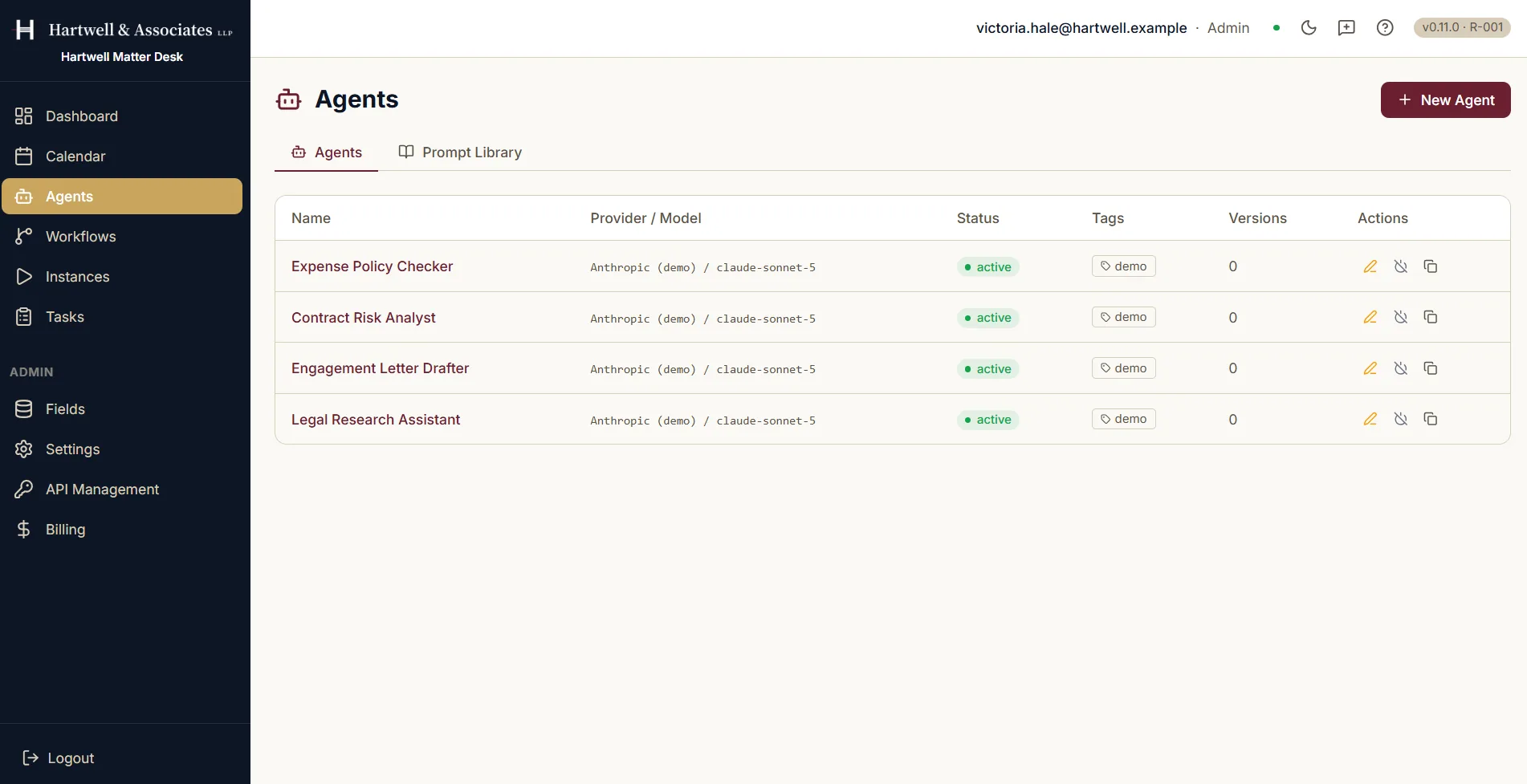
The Agents screen in Dave listing four agents: Expense Policy Checker, Contract Risk Analyst, Engagement Letter Drafter and Legal Research Assistant. Columns show each agent's name, the provider and model it runs on, an active status badge, a demo tag and a version count. A New Agent button sits in the top right, and a Prompt Library tab sits beside the Agents tab.

The agent list, with each agent's provider, model, tags and version count. Demo workspace with example data.

Where to go next

Adapted from the in-product help centre, which stays the fuller reference. For how to raise anything this guide does not cover, see the Support Hub.

Create an AI Agent in Dave: A Quick Reference Guide | Dave